
Executive Summary
Most LLM web search tools merely fetch raw HTML into strings. While sufficient for static docs, modern web applications require authenticated sessions, client-side rendering, and interactive form submission.
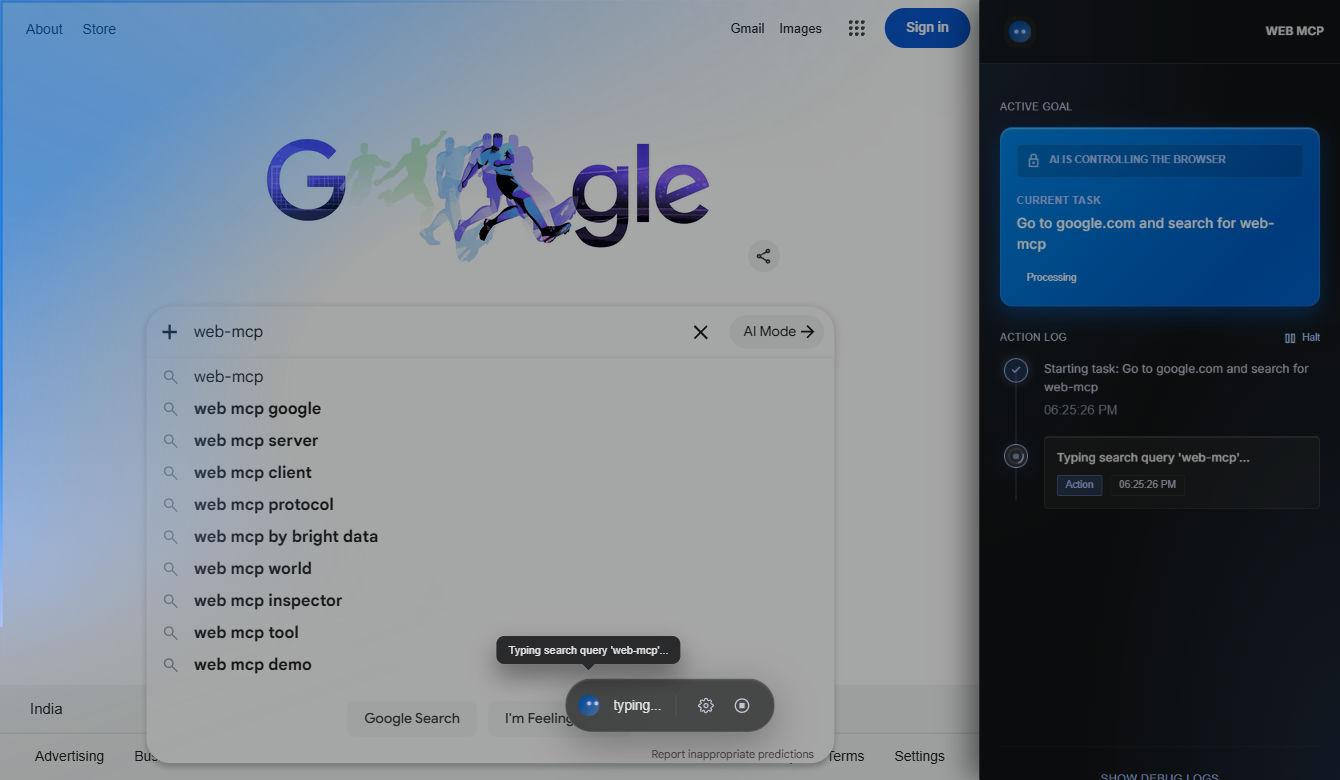
Building @amitnarw/web-mcp taught me how to bridge the Model Context Protocol (MCP) with Chromium automation, creating a persistent, local-first browser agent that AI assistants (Claude Code, Cursor, OpenCode) can safely control.
- Stdio & SSE transport lifecycle
- Tab pooling & session isolation
- Selector resilience & snapshot parsing
- Sandboxed execution boundaries
1. Understanding MCP Transport Protocols
The Model Context Protocol establishes a standardized client-server contract over JSON-RPC 2.0. In desktop workflows, the default transport is stdio. The AI client launches your server as a child process and communicates via standard input/output streams.
A common pitfall is logging debugging information with console.log(). In a stdio server, any stdout output that is not valid JSON-RPC immediately breaks the protocol parser. All logging must be strictly redirected to process.stderr.
import { Server } from "@modelcontextprotocol/sdk/server/index.js";
import { StdioServerTransport } from "@modelcontextprotocol/sdk/server/stdio.js";
import { CallToolRequestSchema, ListToolsRequestSchema } from "@modelcontextprotocol/sdk/types.js";

const server = new Server(
  { name: "web-mcp", version: "1.0.0" },
  { capabilities: { tools: {} } }
);

server.setRequestHandler(ListToolsRequestSchema, async () => ({
  tools: [
    {
      name: "navigate",
      description: "Navigate active tab to a target URL",
      inputSchema: {
        type: "object",
        properties: { url: { type: "string" } },
        required: ["url"],
      },
    },
  ],
}));
2. Managing the Chromium Lifecycle
Spawning a new browser process on every agent invocation is too slow. In Web MCP, I designed a singleton browser manager that keeps Chromium warm while dynamically provisioning separate browser contexts or tabs for distinct agent tasks.
By persisting the user data directory locally, users remain logged into development staging environments and dashboards. AI agents can re-use valid cookies and local storage tokens without requiring raw credentials in their system prompt.
3. Turning Visual Pages into Agent-Readable State
Passing raw HTML directly to an LLM wastes thousands of context tokens on scripts, SVG paths, and CSS rules. Web MCP converts the DOM into an accessibility tree representation:
- Element Filtering: Strips invisible nodes, tracking pixels, and non-semantic styling containers.
- Deterministic Element IDs: Labels interactive buttons, inputs, and links with compact numeric selectors (`[id=14]`) so the agent can trigger clicks without writing brittle XPath queries.
- Viewport State: Informs the model whether an element is currently scrolled into view or requires scrolling.
4. Security Boundaries for Autonomous Browsing
Giving an AI agent a browser with active credentials introduces real security risks, notably prompt injection from untrusted web pages. Web MCP implements three critical safety controls:
- Domain Whitelisting & Confirmation: Restricts out-of-scope external redirects unless explicitly permitted.
- Non-Destructive Actions Default: Dangerous actions such as submitting checkout forms or clearing accounts require explicit confirmation payloads.
- Isolated Profile Storage: Dedicated browser profiles keep test workflows separated from the developer's primary personal browsing accounts.